

Yubibato
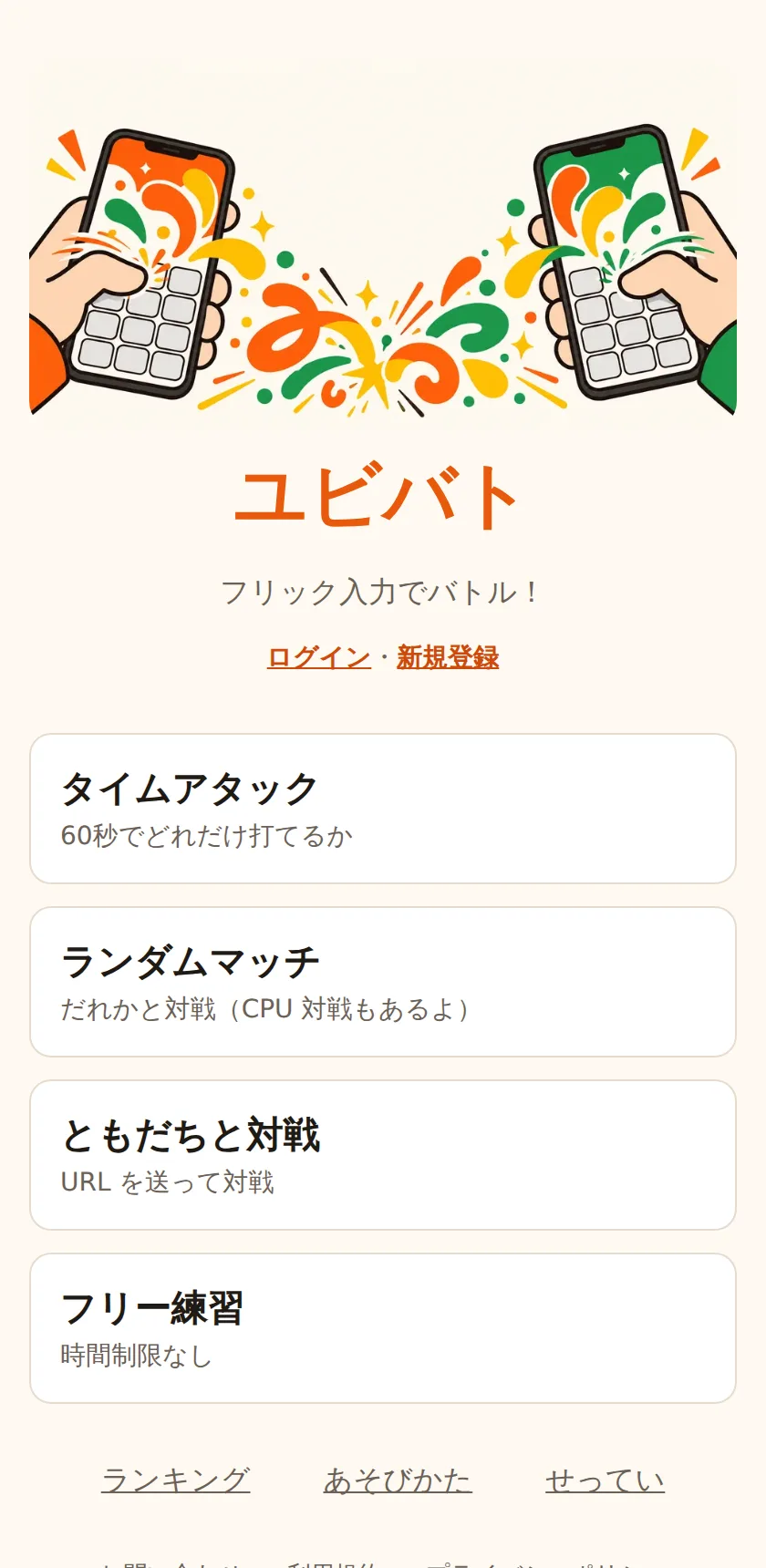
Japanese flick-typing battle game for smartphones
A browser game for smartphones where you compete on Japanese flick-input speed. No install needed. Play a 60-second time attack, or HP-style battles against friends and players across Japan.
At a glance
- My role
- Planning, design, development, launch, and operations — all on my own
- Key design decision
- Build a custom keyboard
- Status
- Live / Released: Oct 2026
Why I built it
The goal was a game where anyone used to flick input on a smartphone can compete on typing speed in the browser, without installing anything. It values letting ordinary people, including elementary and junior high school students, battle their friends easily.
No sign-up is needed just to play. You register with an ID and password only to join the rankings. No email address or other personal information is collected.
Key features
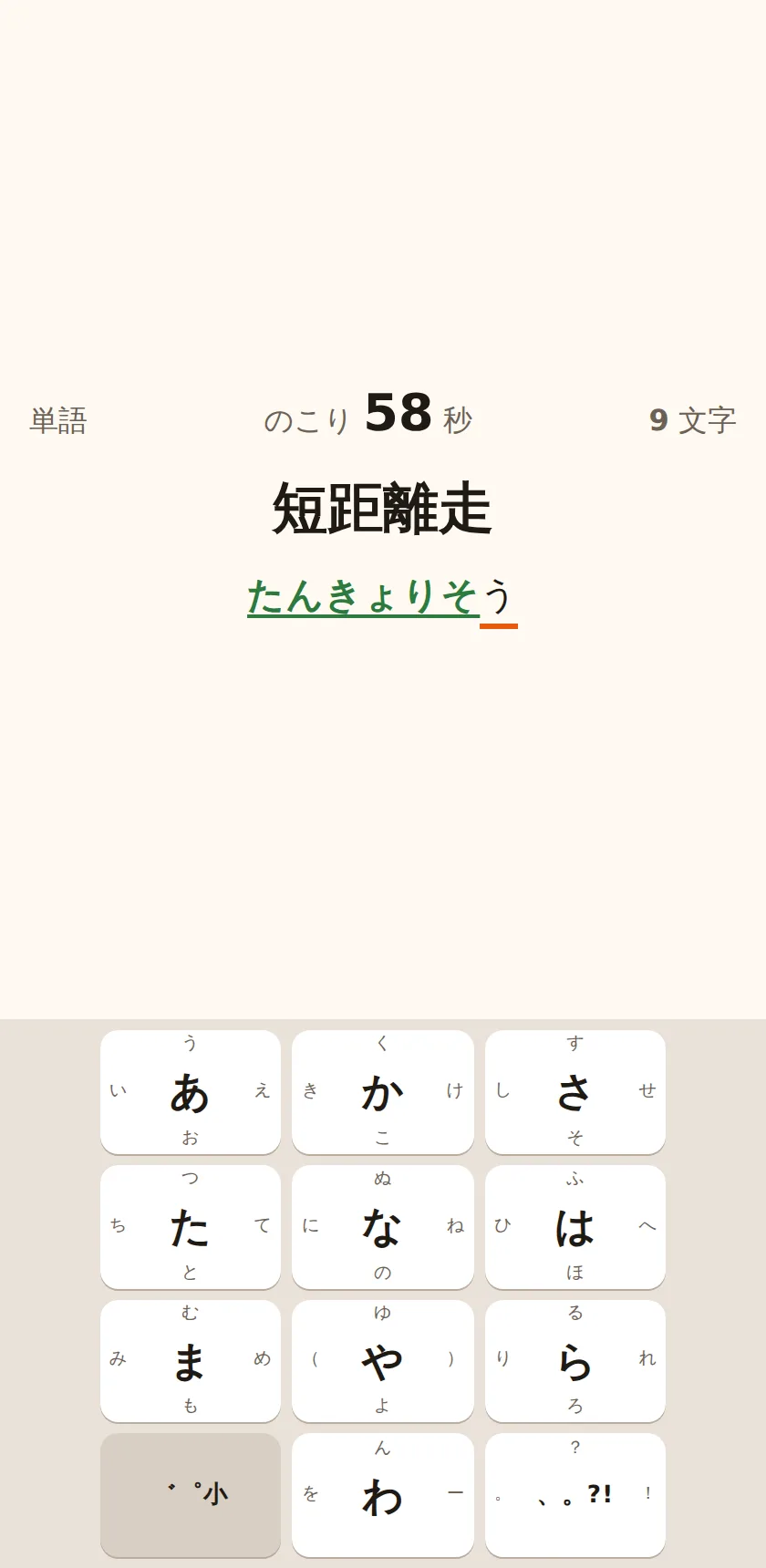
- Time attack: See how much of the prompts’ readings, words or sentences, you can type in 60 seconds. The score is “characters typed correctly × accuracy”.
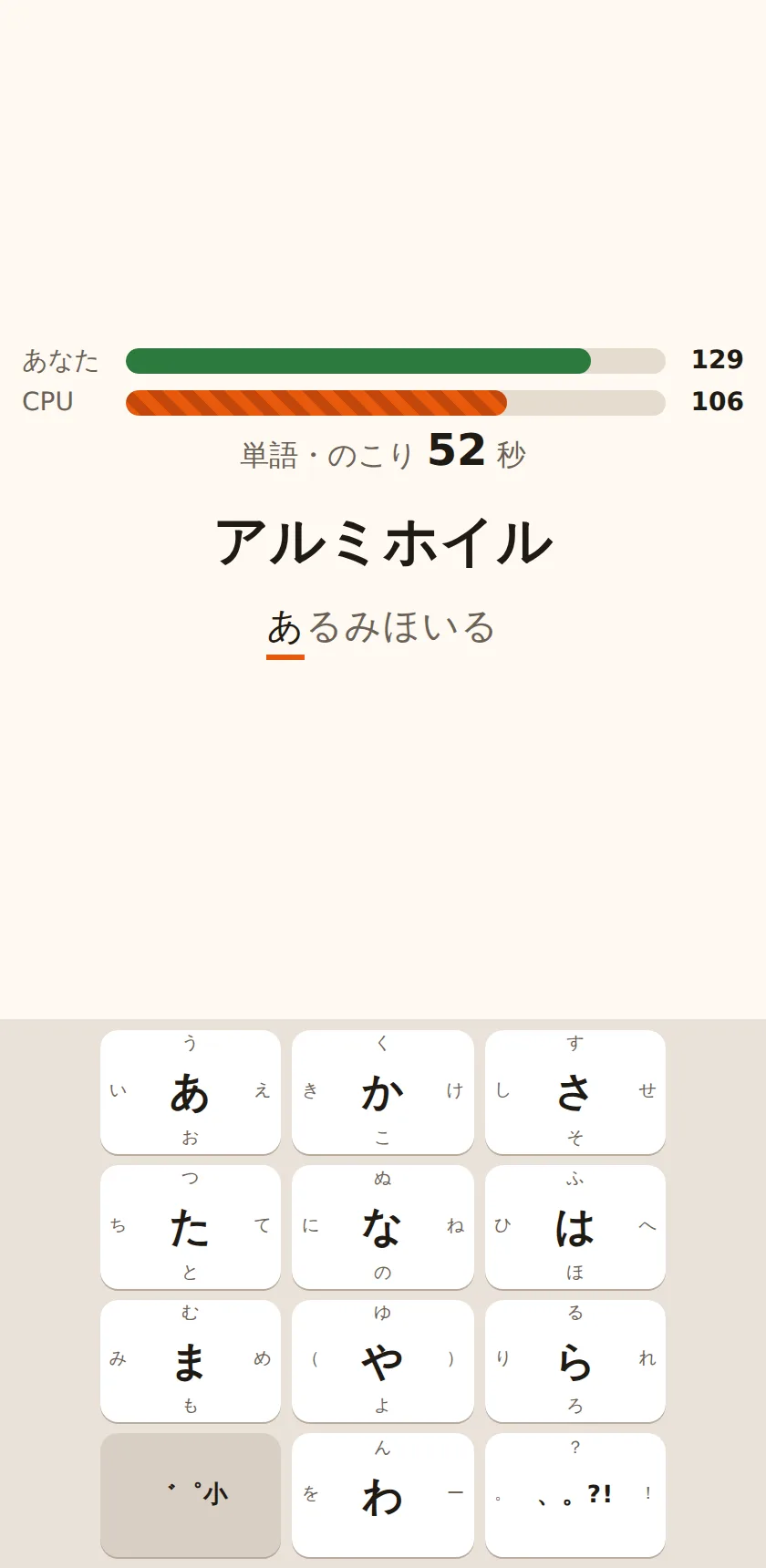
- Battles: Both players type the same prompts in the same order, and each correct character takes HP from the opponent. There are URL battles you share with a friend, random matches with players waiting anywhere in Japan, and CPU battles for when no opponent is found. The CPU’s strength adapts to the player’s skill.
- Rankings: Daily, monthly, and all-time rankings for word and sentence time attacks, and for random-match wins.
- Practice and tutorial: Free practice with no time limit, and a tutorial where you learn voiced marks, small kana, and symbols by actually typing them.
- Prompts: About 3,000 words and 1,000 sentences. AI writes the drafts, and a separate AI checks them for quotes from existing works, real names, inappropriate content, and correct readings before they are published.
- Admin screen: Add, edit, and publish prompts, review inquiries and reports, and hide users or block their login.
Design decisions
Build a custom keyboard
- Problem
- With the phone's standard keyboard, predictive conversion can fill in input for you, so speeds can't be compared fairly. The keyboard also behaves differently on iPhone and Android.
- What I chose and why
- I built an on-screen keyboard that follows the common Japanese flick layout, and made it accept touch input only. Voiced marks and small kana are typed as "base character, then the toggle key". If the base character is right, it counts as an in-progress state, not a mistake.
- Outcome
- On a real phone, outward flicks on the edge columns hit the edge of the screen and were hard to do. I added margins on both sides of the keyboard and lowered its height from 45% to 35% of the screen. I then let players change the height, width, and how the pop-up appears in settings, with presets for "about the iPhone standard" and "about the Android standard".
Recalculate records on the server
- Problem
- Because there are rankings, trusting the score sent from the phone would let people pick only easy prompts or edit their score.
- What I chose and why
- The order of prompts comes from a random seed signed by the server, and the phone and server reproduce the same order. The phone records the time of each character and sends it. The server checks the sequence of confirmed characters, the intervals between inputs, and the characters per second, then recalculates the score. Nothing is written to the database until the score is submitted to the rankings.
- Outcome
- Since a mistake doesn't advance the input, the check still passes if mistakes are left out of the record, so the miss count has to be taken from the phone's report. In line with the policy of keeping defenses minimal, I accepted this as a known limitation.
Fit password hashing into the free plan's CPU time
- Problem
- Passwords are hashed with PBKDF2, but the free plan's CPU time guideline is 10 ms per request, and Workers in production throw an error above 100,000 iterations. This doesn't reproduce locally, so it can only be measured in production.
- Options considered
- 10,000 iterations
- 25,000 iterations
- 50,000 iterations
- What I chose and why
- I measured in production and chose 25,000 iterations, where PBKDF2 itself takes 4 to 6 ms. The iteration count is stored with the hash, so it can be raised later.
- Outcome
- A full login took 11 to 20 ms, over the guideline, but the rest comes from the other login steps and startup. Dropping to 10,000 iterations would only save about 3 ms. Cloudflare completes these requests instead of cutting them off, so I kept 25,000 and am watching for CPU-limit errors.
Run within half of the free tier
- Problem
- Running costs are covered only by Cloudflare's free tier. The free tier is shared across the whole account with my other services, so this game can't use it all.
- What I chose and why
- I set my own limit at half of each free-tier allowance. Prompts are written to KV in one go when published and saved on the phone, so they aren't read every time. Rankings are cached with the Cache API and in Worker memory, and battle state is saved only when it changes. When it detects that a free-tier limit has been exceeded, it pauses only the online features, such as rankings and battles.
- Outcome
- Even on a day when the allowance runs out, the time attack, practice, and CPU battles can be played on the phone alone. The paused online features resume automatically after the free tier resets.
Tech stack
| Technology | Role |
|---|---|
| React 19 / Vite | UI, including the custom flick keyboard and the screen for each mode |
| TypeScript | Implementation language for the UI and server. Input judging and score calculation are shared between them |
| Cloudflare Workers / Hono | Serves the API and static files from a single Worker |
| Cloudflare D1 | Users, records, rankings, and the master copy of the prompts |
| Cloudflare KV | A snapshot of the published prompts, and the pause flag |
| Durable Objects (WebSocket Hibernation) | Running and judging battles, and the queue for random matches |
| Cloudflare Access | Protecting the admin screen |
| Vitest / Playwright | Unit tests for judging, the API, and battles, and end-to-end tests on smartphone screens |
Quality and operations
- Tests: Unit tests cover input judging (voiced marks, small kana, mistakes, in-progress states), scores, record verification, random-number reproducibility, and the ID and password rules. The API and battles (start, judging, the disconnect grace period, reconnecting) are tested in the Workers environment.
- Smartphone screens: Playwright reproduces iPhone and Pixel screens and touch input to check keyboard operation, the time attack, battles (two devices), random matches, rankings, and more.
- CI: GitHub Actions runs lint, type checks, and tests. The slower end-to-end tests run only locally, to save the free Actions allowance.
- Readability: I captured every screen in light and dark modes and raised the contrast of text and buttons to meet the standard. Right and wrong input and the time left are shown not just by color but also by underlines, bold text, and labels.
- Playable when offline: When the network is down or the service is paused, a shared notice appears, and it reconnects automatically when the signal returns. Time attack records can be resent.
Looking back and ahead
The keyboard sizes I worked out at my desk felt very different from typing on a real phone. I adjusted them through repeated testing on real devices, and in the end let players adjust them themselves.
Next, I’ll keep watching free-tier usage while checking the game on real iPhone, Android, and iPad devices. I’m considering sharing results on social media, sound effects, and matching players of similar skill.
Let’s talk
Want to hear more about this project? Feel free to get in touch.


